
UI/UX design validated with real users, not just polished
A beautiful product that solves the wrong problem is still a failed product, and you'll have paid full price to build it. We're a research-led design team: we learn how your users actually behave, prove the experience works on a prototype, then design the interface that ships. The result reduces build risk instead of adding to it.
The most expensive mistake is building the wrong thing beautifully
It's easy to spend a development budget on a product that looks sharp and still underperforms. The signup flow asks for too much too soon, the core action is three taps deeper than it should be, the empty screen tells a new user nothing. None of that shows up in a screenshot. It shows up in the analytics months later, after the code is written and changing it is expensive.
Research-led design exists to catch those problems while they're still cheap to fix. We treat design as a way to de-risk the build, not decorate it. Decoration is the last ten percent. The first ninety is figuring out what's worth building and confirming people can actually use it.
From user research to a tested, production-ready interface
User research and discovery
Interviews, audits of your current product, and a look at the analytics, so the design rests on what users actually do rather than what anyone assumes.
Information architecture and flows
We structure the product and chart every path through it. Get this right and the interface mostly designs itself; get it wrong and no amount of polish saves it.
Wireframes and interactive prototypes
Testable prototypes that prove a concept works before it reaches a developer, the cheapest possible place to discover you built the wrong thing.
Visual and interaction design
A clean, on-brand interface with the loading, empty, and error states most teams forget until users hit them in production.
Usability testing and iteration
Moderated sessions with real users, clear findings, and a prioritised list of changes, repeated until people move through the product without friction.
Design systems
A documented library of components and rules so your interface stays coherent across screens, releases, and whoever joins the team next.
Design systems and accessibility, built in from the start
A single great screen is easy. Keeping fifty screens consistent as the team grows is the hard part, and it's why we build a design system: documented components, states, type, and colour that any designer or developer can reuse without reinventing the wheel or drifting off-brand. Accessibility is part of the same discipline. We design to WCAG guidance from the first wireframe, contrast that's actually readable, keyboard and screen-reader support, visible focus, honest labels. It widens your audience, it's expected of serious products, and retrofitting it later costs far more than getting it right up front.
How a design engagement runs
Six stages, front-loaded so the costly decisions get made on a prototype rather than in shipped code.
- 01
Discovery and research
We sit down with your team, talk to the people who will actually use the product, and study what users do today. The output is a clear picture of who we're designing for, the jobs they're trying to finish, and where the current experience loses them.
- 02
Flows and architecture
Before a single screen is styled, we map the routes a person takes to complete each task and organise the content so the next step is always obvious. This is where most usability problems are solved or created.
- 03
Wireframes and clickable prototype
We build a prototype you can tap through, structure first, decoration later. It costs days to change a prototype and weeks to change shipped code, so this is where we make the expensive decisions cheaply.
- 04
Usability testing
We put the prototype in front of five to eight people who match your audience and watch where they hesitate, misread a label, or give up. Findings turn into specific fixes, ranked by how much they hurt.
- 05
Interface design and design system
Once the structure holds up, we design the polished UI and build the reusable components, type scale, colour, and states that keep it consistent as the product grows and more people touch it.
- 06
Handoff and build support
We deliver organised files, documented components, and the edge cases engineers always ask about. Because our designers and developers work in the same studio, we can also carry the design straight into the build.
A concrete example
Picture a B2B startup with a working app and a stubborn problem: trial users sign up and never reach the moment the product becomes useful. The team assumes the onboarding screens need a visual refresh and is ready to brief a developer.
Instead, we run six usability sessions with people who match the target customer. Five of them stall at the same step: a setup form that demands data they don't have on hand during a first session. The screens look fine. The flow asks for the wrong thing at the wrong time. We restructure onboarding so the product delivers value first and collects the heavy details later, prototype it, and retest.
Who we design for
Founders validating an idea. You want a prototype you can test with users and show investors before you spend a development budget. We help you learn what to build first, and what to leave out.
Product teams stuck on retention. The product ships and looks fine, but people drop off or support tickets pile up. We find where the experience breaks and redesign the parts that matter.
Companies replatforming. You're rebuilding an aging app or site and can't afford to carry the old confusion forward. We rethink the experience while the engineering gets rebuilt.
Not sure where your product is losing people? A research and design audit will show you straight.
Frequently asked questions
UX is the thinking: who the user is, what they're trying to accomplish, and the flow that gets them there. UI is the surface: layout, type, colour, and the components people touch. A product can have a beautiful UI and still fail because the UX underneath is wrong. We design both, and we always start with the UX.
Engineers build what's specified. If the specification is a guess, they'll build the guess efficiently, and you won't know it was wrong until it's live and underperforming. Design decides what's worth building and proves it works on a prototype, before the expensive part starts. That's usually cheaper than discovering the problem in code.
Yes, and we recommend it whenever a decision is costly to reverse. Watching five to eight people from your target audience use a clickable prototype surfaces most of the serious problems for a fraction of what it costs to fix the same issues after launch.
Both. For an existing product we begin with a usability audit and research to find what's actually hurting users, then redesign the parts that move the needle rather than restyling everything for the sake of it.
Yes. We design to WCAG guidance from the start: legible contrast, keyboard and screen-reader support, clear focus states, and labels that make sense. Accessible design is better for everyone, not just users with disabilities, and it's far cheaper to build in than to retrofit.
Whichever suits you. We can deliver clean files and a documented design system for your team, or build it ourselves with our in-house engineers so nothing gets lost between design and code.
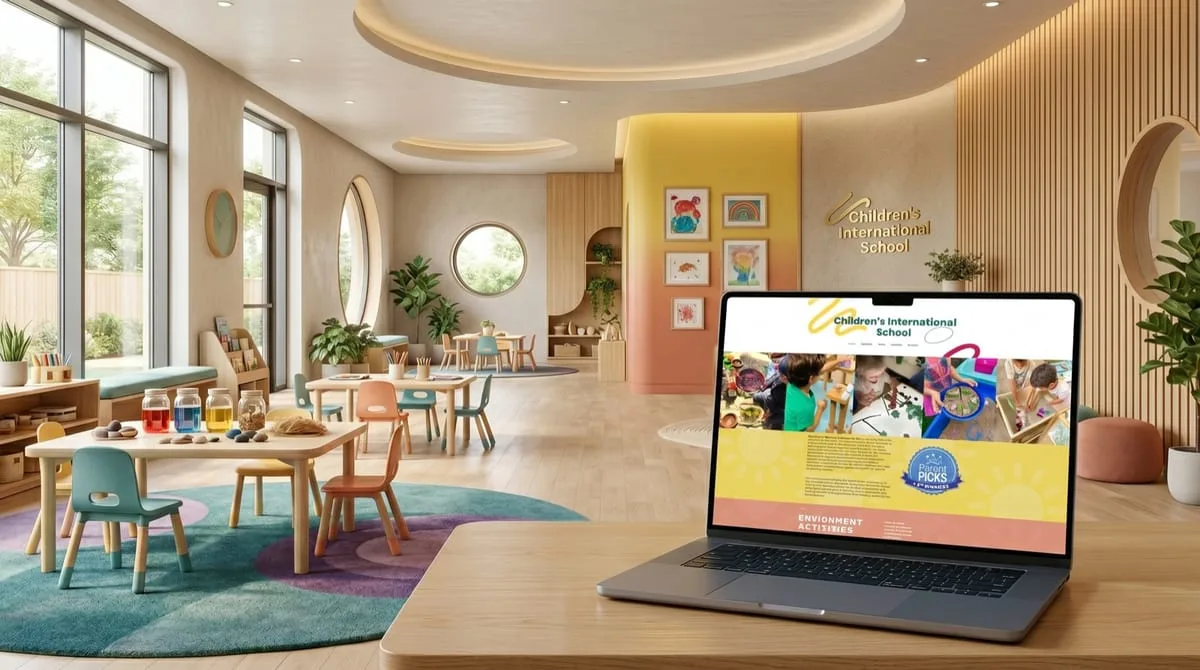
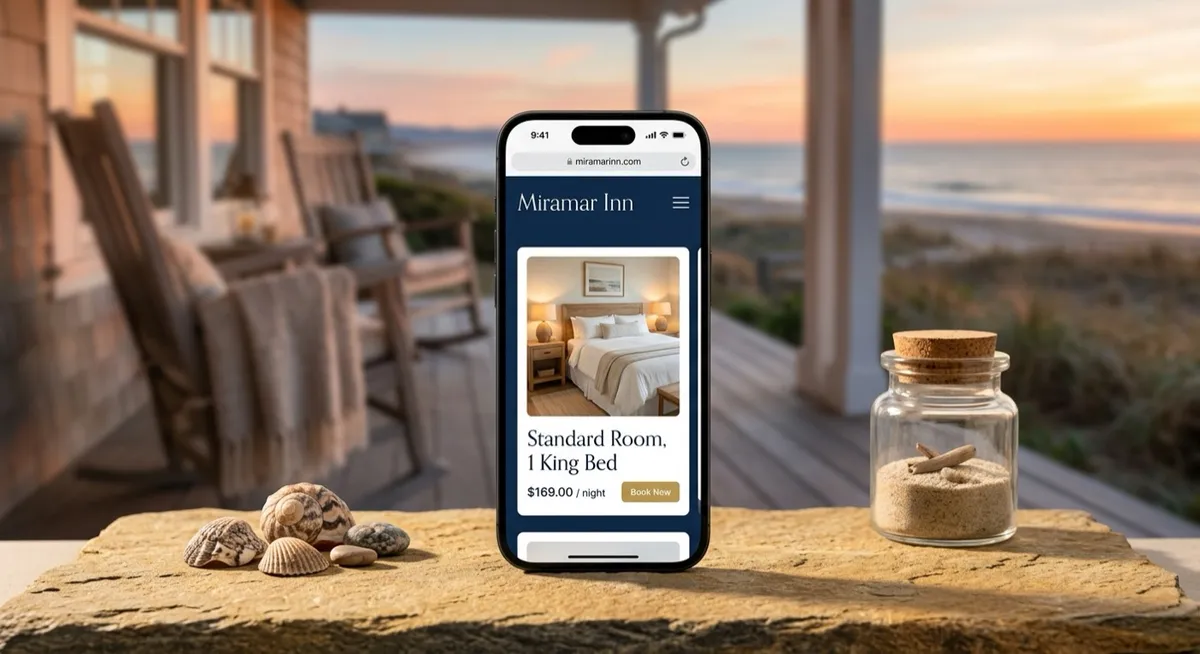
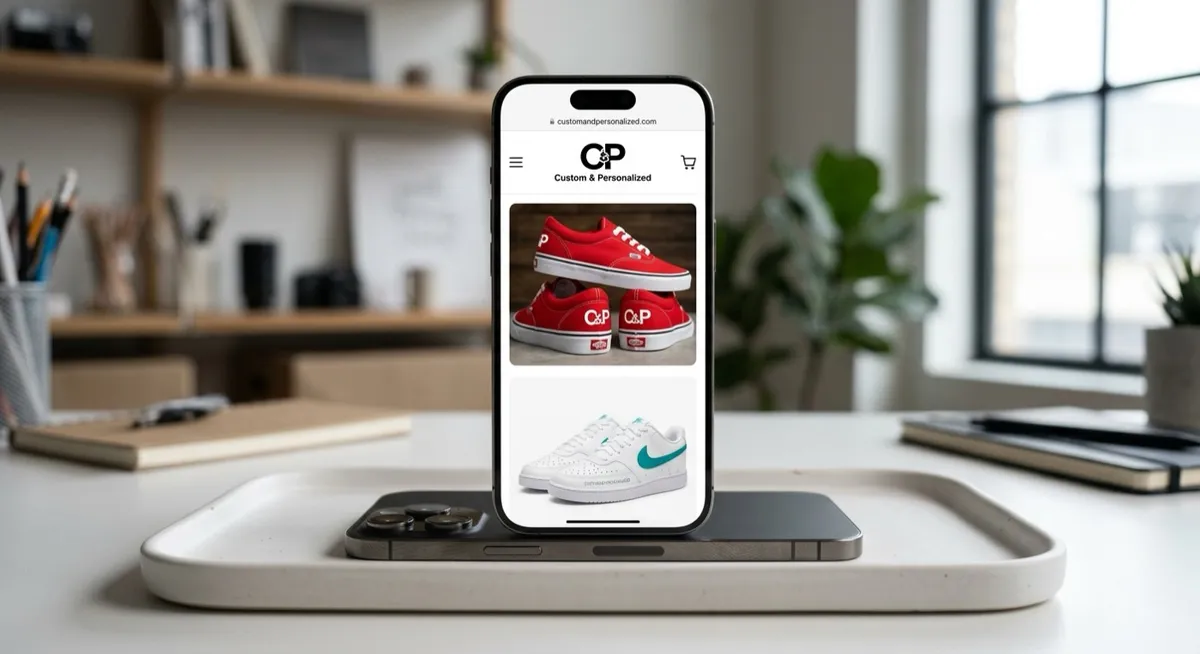




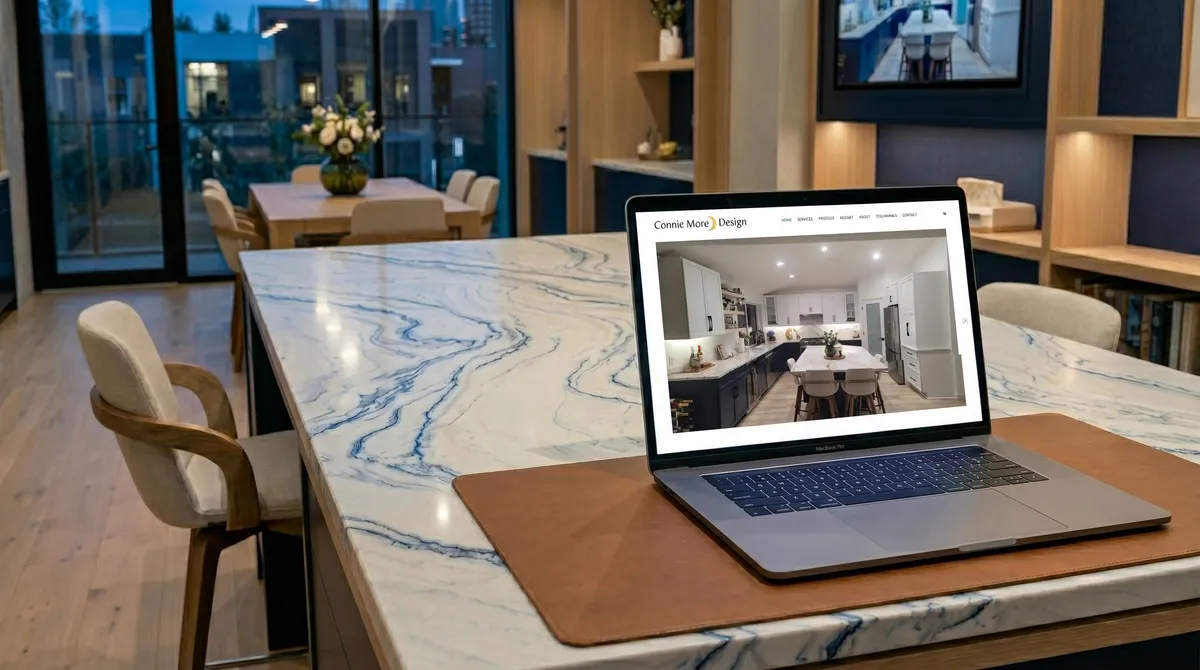
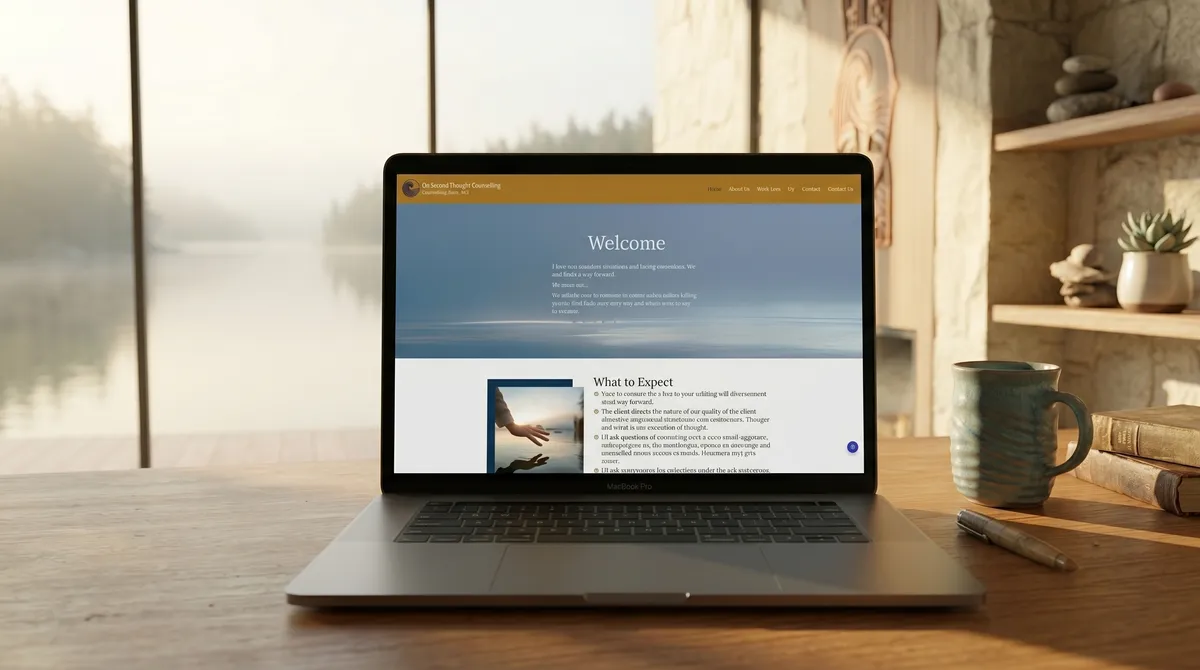
What clients say about working with us



We were having issues designing and structuring our website until we met Mike. He listened fully to what we wanted and made it better than we imagined. We will continue to use OgreLogic for this website and future plans.
Very professional with a fast turnaround time. I really love the design of my page and appreciated how responsive and easy the process was from start to finish. Highly recommend!
I had a great experience working with OgreLogic and would recommend them to anyone. The website design itself and communication was amazing. Any time I had a question or request, they were quick to reply.
From the blog
Related reading from our blog
Website Redesign Checklist: What to Do Before You Start
A practical website redesign checklist: the goals, content, SEO, and technical steps to settle before design begins, so the new site beats the old one.
Magento vs Shopify: A Practical Comparison for 2026
Magento vs Shopify compared on cost, scale, customization, and who each one is really for. A practical guide to choosing the right enterprise e-commerce platform.
WooCommerce vs Shopify: Which Is Right for Your Store?
WooCommerce vs Shopify compared on what actually decides it: who maintains the store, real costs, and the trade-offs each platform forces on you.